
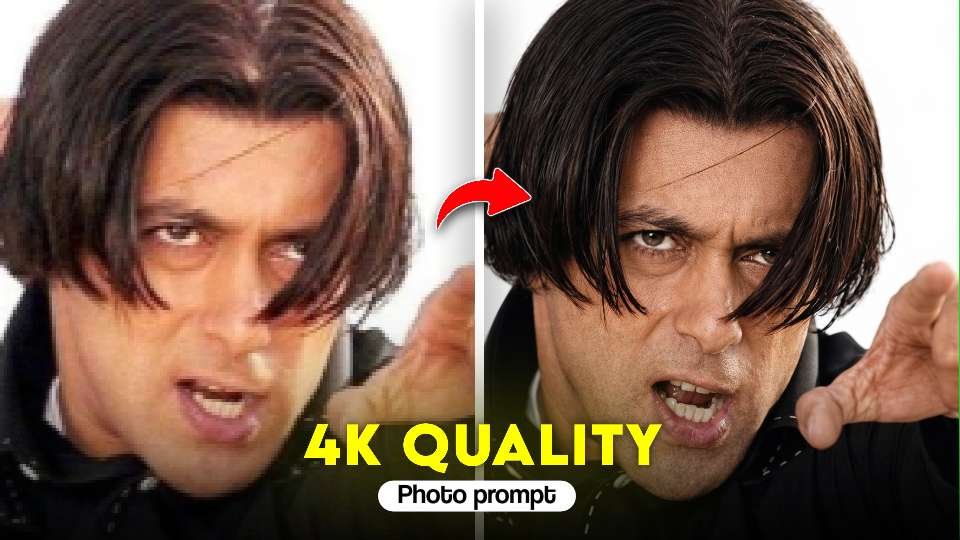
In today’s digital world, eye-catching visuals are everything—especially when it comes to YouTube thumbnails, social media posts, or personal branding. One of the most trending styles right now is the cinematic 4K portrait look, where a normal image is transformed into a sharp, dramatic, high-quality visual with intense emotion and professional lighting. If you’ve seen thumbnails that show a “before vs after” transformation with a bold expression and ultra-clear details, you already know how powerful this style can be.This post will guide you on how to create similar cinematic portraits using AI tools and a well-structured ChatGPT prompt. You don’t need a professional camera or expensive setup—just the right prompt and a bit of creativity.
What is a 4K photo editing
A cinematic 4K portrait is a highly detailed image that looks like it was captured using a professional DSLR or mirrorless camera. It focuses on realism, sharpness, and emotional expression. These images often feature dramatic lighting, visible skin texture, and a clean background that keeps the focus entirely on the subject.This style works especially well for thumbnails because it instantly grabs attention. The intense facial expressions and high contrast make the image stand out even on small screens.
How to Create a transformation Photo for Free with ChatGPT?”
Step 1: Open ChatGPT
First, open ChatGPT (free or pro version). If you have access to image generation features, you can directly create photos using AI prompts.
Step 2: Write the Prompt
The magic lies in the prompt. A prompt is a text instruction you give to ChatGPT toStep 3: Generate the
Step 3: Generate the Photo
After entering the prompt, ChatGPT (or a connected image generator) will create your Ganesh Utsav photo within seconds. If you don’t like the first result, just tweak your prompt and try again.
Step 4: Save and Share
Once you get the perfect festive photo, download it to your device. You can now share it on WhatsApp, Instagram, or Facebook, or even print it as a poster for Ganesh Chaturthi celebrations.
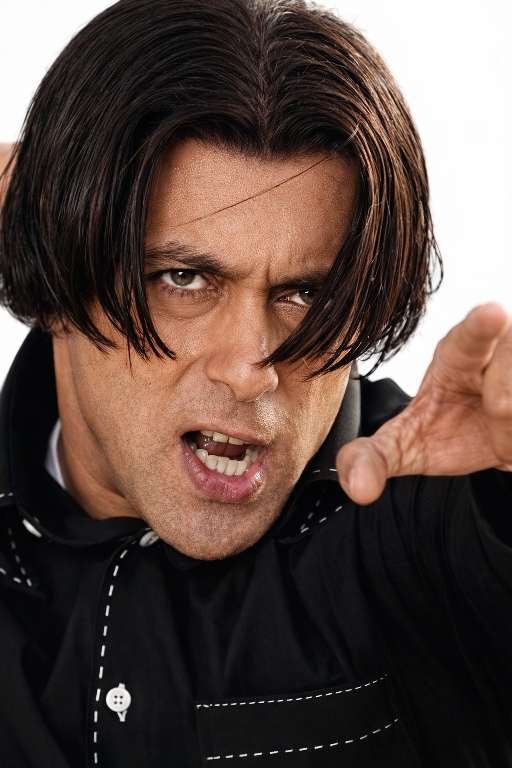
Copy prompt ⬇️
Ultra-premium professional image enhancement.Transform the uploaded low-quality, blurry image into extreme high-detail cinematic quality.Preserve 100% original identity, face structure, expression, pose, clothing, accessories, background, framing, and composition.Do NOT alter, redesign, replace, or add anything.Recover micro-details:sharp facial featuresnatural skin texturevisible poresrealistic hair strandscrisp eyesclean refined edgesHigh-contrast clarity, deep depth, and balanced cinematic lighting.Poster-grade realism with dramatic but accurate detail.Output in 8K resolution, ProRes quality, studio-level sharpness.Photorealistic textures only. True-to-source enhancement only.Keep everything exactly the same — only enhance quality.
Final Thoughts
Creating cinematic 4K portraits is no longer limited to professional photographers. With AI and the right prompt, anyone can generate stunning, high-quality visuals in minutes. Whether you’re a content creator, influencer, or just someone who loves editing, this style can help you take your visuals to the next level.Start experimenting with prompts, focus on emotions and lighting, and you’ll be able to create scroll-stopping images that look truly professional.