
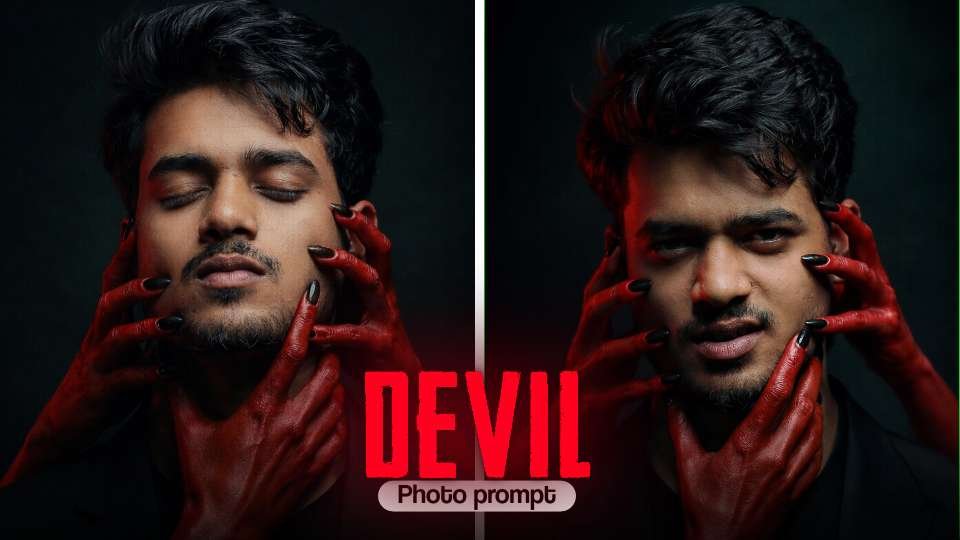
hey guys my name is gaurav Solanki (mkeditor) i have a given by devil chatgpt prompt photo editing for just photo editing So friends, since AI-generated images with ChatGPT and Google gemini aesthetic photo editing are trending on social media right now, we thought—why not make this new Tranding couple photo even more special? That’s why we’ve brought you a collection of AI photo prompts for romantic.In this post, you’ll find the best ChatGPT prompts for blue elegant photo editing. With the help of these prompts, you can easily create highly detailed, cinematic-quality festival photos featuring your own face.
How to Create a Devil Photo for Free with ChatGPT
Step 1: Open ChatGPT
First, open ChatGPT and google gemini (free or pro version). If you have access to image generation features, you can directly create photos using AI prompts.
Step 2: Write the Prompt
The magic lies in the prompt. A prompt is a text instruction you give to ChatGPT to.
Step 3: Generate the Photo
After entering the prompt, ChatGPT (or a connected image generator) will create your Ganesh Utsav photo within seconds. If you don’t like the first result, just tweak your prompt and try again.
Step 4: Save and Share
Once you get the perfect festive photo, download it to your device. You can now share it on WhatsApp, Instagram, or Facebook, or even print it as a poster for Ganesh Chaturthi celebrations.
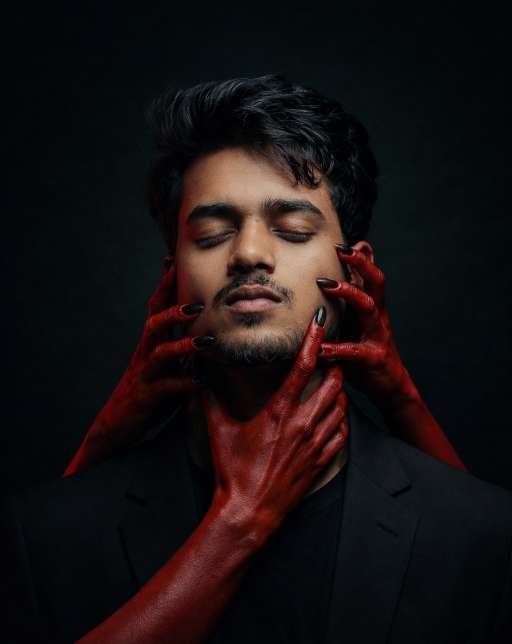
Copy prompt 👇
Ultra-realistic dark cinematic portrait of a young man ( keep my face 100% fix, Same hairstyle and eyes nose ) with closed eyes, calm expression, perfectly centered composition. His face must remain 100% natural and authentic with realistic skin texture, visible pores, soft facial hair, and detailed hair strands.Multiple elegant feminine hands painted in glossy deep red emerge from darkness, gently touching his face — cheeks, jawline, chin, and neck. Hands must appear smooth, artistic, and slightly surreal, with black polished nails, soft highlights, and subtle reflections.Lighting: dramatic low-key lighting with strong contrast, soft key light on face, subtle rim light outlining hair and shoulders, deep shadows fading into black background. Red hands should have directional highlights to enhance texture and depth.Mood: mysterious, sensual, fine-art, slightly surreal, editorial fashion style.Outfit: black blazer with black shirt, blending into background.Background: pure dark/black gradient, minimal, no distractions.Camera: 85mm lens, f/1.8, shallow depth of field, ultra-sharp focus on face.Color grading: cinematic teal-black shadows with rich red contrast, high dynamic range, deep blacks, subtle skin tones preserved.Style: fine-art photography, hyper-realistic, 8K resolution, ultra-detailed, studio quality, sharp focus, professional lighting setup.
Conclusion
In this article, I have explained the trending Chat Gpt Prompt aesthetic Style Photo Editing technique step by step. Along with the complete process, I have also provided a powerful prompt that allows you to create a transformation style image instantly. With just one click, you can generate high-quality results. I hope you found this article informative and useful. Thanks for visiting my website