
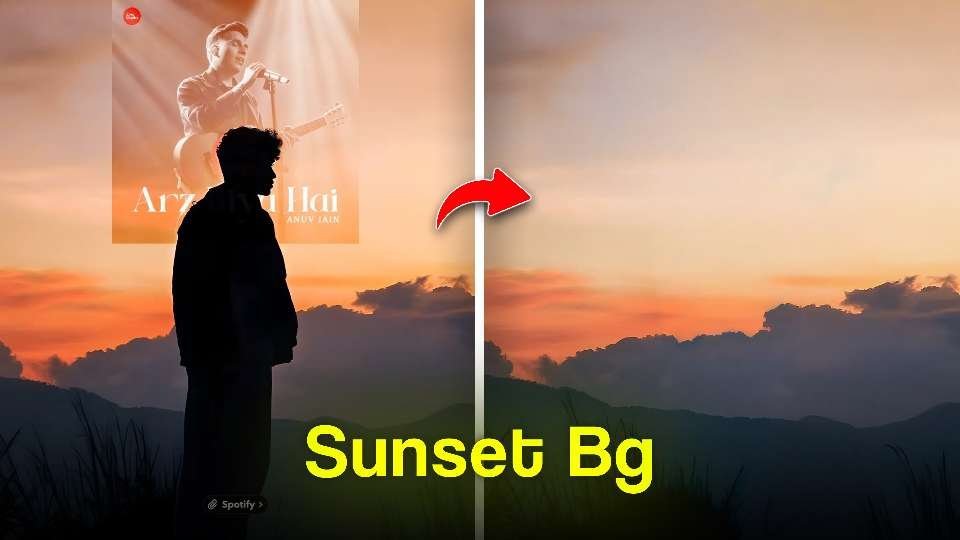
hay guys my name is gaurav Solanki In today’s digital world, photo editing has become an essential skill, especially for social media users. PicsArt is one of the most popular and powerful photo editing apps that allows users to easily change or enhance backgrounds. Whether you want a professional look or a creative aesthetic edit, PicsArt makes it simple for beginners.
PicsArt is a powerful photo editing app that makes it easy to change or enhance photo backgrounds. To start, open the app and tap on the “Edit” option, then select your photo. Use the “Remove BG” tool to automatically remove the background. If you want more control, choose the “Cutout” option and carefully select your subject manually.To change the background, go to the “Add Photo” or “Background” section and pick a new image. You can use blur effects, sky replacements, or aesthetic backgrounds to make your photo more attractive. Make sure to match the lighting by adjusting brightness, contrast, and color tone in the “Adjust” section.For the final touch, add shadows, stickers, and filters. This will make your photo look more professional and eye-catching. With regular practice, you can create highly creative and stunning edits using PicsArt.
How to Remove Background in PicsArt
To get started, open the PicsArt app and tap on the “Edit” option. Select the photo you want to work on. Now, use the “Remove BG” tool to automatically erase the background. This feature uses AI to detect your subject quickly.If you want more precision, you can use the “Cutout” tool. With this option, you can manually select the subject and refine the edges for a cleaner cut.
Key Features of PicsArt for Background Editing
1-Background Remover
The AI-powered Background Remover tool is one of PicsArt’s standout features. It automatically detects the subject in your image and removes the background with high accuracy. This is perfect for creating cutouts, profile pictures, or product images.
2-Change Background
Once the background is removed, you can easily replace it with a new one. PicsArt provides a library of backgrounds including nature scenes, cityscapes, abstract designs, and more. You can also upload your own custom background.
3-Blur Effects
If you don’t want to completely remove the background, you can blur it to create a depth-of-field effect. This makes the subject stand out while maintaining a natural look.
4-Filters and Effects
PicsArt includes hundreds of filters and effects that can enhance the background. From vintage tones to modern aesthetics, you can match the background style with your overall theme.
5. Layer Editing
Advanced users can take advantage of layer-based editing. This allows precise control over each element in the image, making complex edits easier and more professional.
Step-by-Step PicsArt Editing Backgrounds
Open the App
Launch PicsArt and select the image you want to edit.
Use the Remove Background Tool
Tap on “Remove BG” and let the AI automatically cut out the subject.
Refine the Selection
Use the eraser or restore tool to adjust edges and improve accurac
Conclusion
PicsArt makes background photo editing simple and fun, even for beginners. With practice and creativity, you can create stunning and professional-looking images. Start experimenting with different tools and styles to develop your own unique editing skills.