
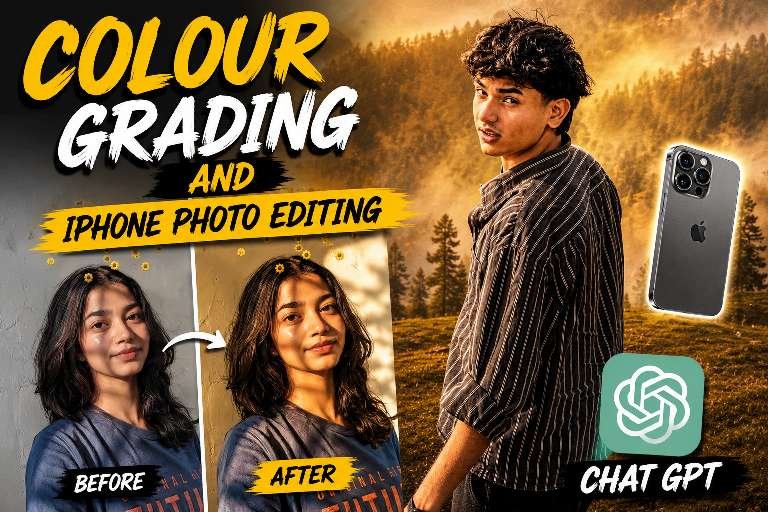
ChatGPT photo editing is one of the easiest ways to create professional-quality images using AI-generated prompts. Instead of spending hours adjusting colours, lighting, shadows, and contrast manually, you can simply describe the look you want, and ChatGPT will generate a detailed editing prompt. Whether you’re creating Instagram posts, YouTube thumbnails, travel portraits, or lifestyle photos, ChatGPT helps you achieve premium edits with minimal effort. It is perfect for beginners as well as experienced creators who want faster and more consistent editing results.
How to Create natural Colour Grading Using ChatGPT
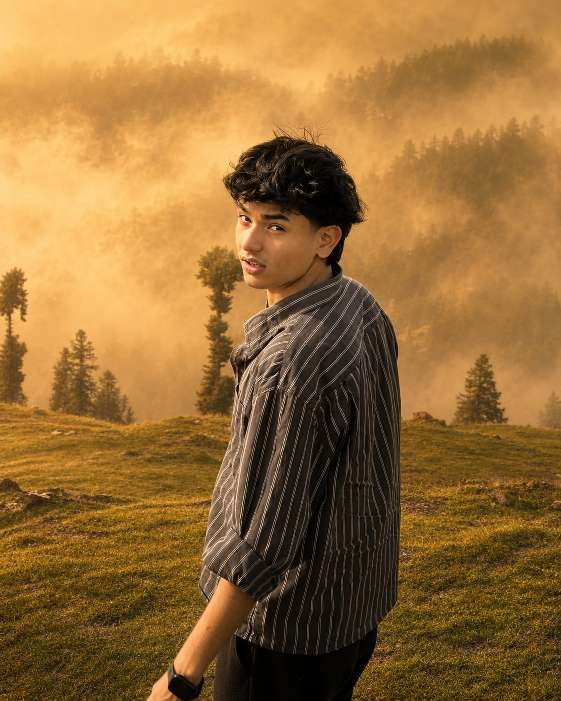
Colour grading is the secret behind every cinematic and eye-catching photo. With the help of ChatGPT, you can generate prompts that produce warm golden tones, natural skin colours, soft lighting, balanced contrast, realistic shadows, HDR effects, and high-quality background enhancements. These adjustments give your images a polished and professional appearance while maintaining a natural look. Whether you prefer a moody aesthetic, vibrant Instagram style, or soft cinematic finish, ChatGPT can help create prompts that match your creative vision.
How to Edit iPhone Photos single prompt
iPhone cameras already capture excellent-quality images, but AI editing can make them look even more impressive. Simply upload your original photo, ask ChatGPT for a detailed editing prompt, and use that prompt with your preferred AI editing tool. The AI can improve lighting, enhance colours, sharpen details, reduce unwanted distractions, and create a premium DSLR-like finish while preserving the original identity and natural facial features. This workflow saves time and produces stunning results suitable for social media, portfolios, and personal projects.
Tips to Get the Best Before & After Results chat Gpt prompt
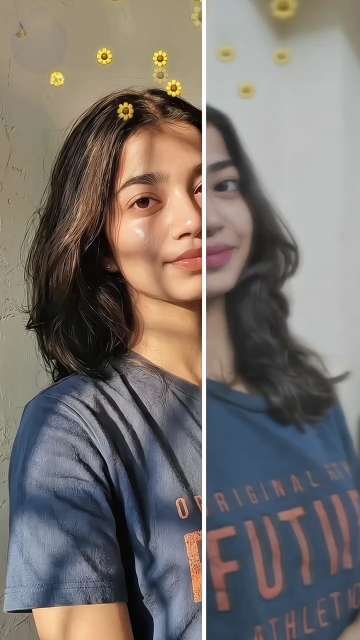
For the most realistic edits, always start with a high-resolution image taken in good lighting. Keep facial features, skin tone, hairstyle, clothing, and body proportions unchanged if you want a natural transformation. Avoid excessive saturation or over-sharpening, as subtle adjustments often produce the most professional results. Experiment with different colour grading styles such as golden hour, cinematic, moody forest, or soft daylight to find the look that best matches your content. Comparing before-and-after versions also helps you understand how small improvements can create a dramatic visual impact.
Final Thoughts
AI-powered photo editing is changing the way creators produce content. By combining ChatGPT with modern AI image editing tools, anyone can create premium-quality colour grading and professional iPhone photo edits without advanced editing skills. Whether you’re making YouTube thumbnails, Instagram reels, travel portraits, or personal photography projects, ChatGPT provides detailed prompts that simplify the editing process while delivering impressive, high-quality results. With a little creativity and the right prompt, you can transform ordinary photos into visually stunning images that capture attention and stand out across every social media platform.