
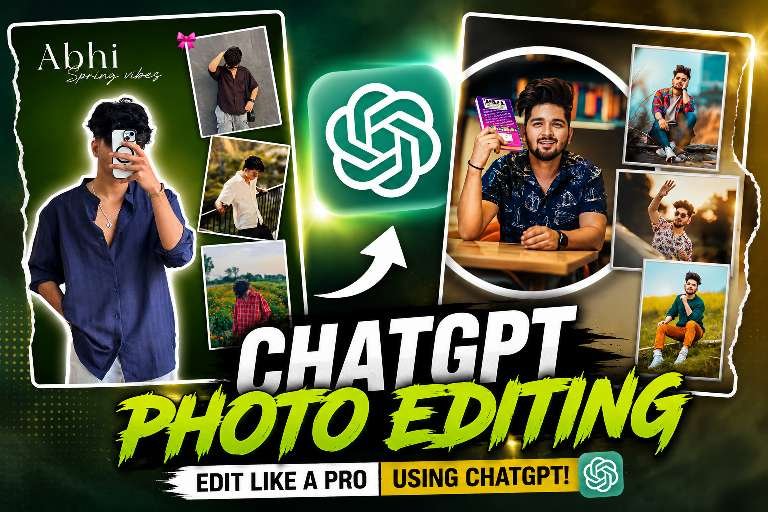
Why ChatGPT Photo Editing Prompts Are Trending on Instagram
hey friends my name is gaurav Solanki (mkeditor) i give this article amezing viral aesthetic chat Gpt prompt photo editing just 1 prompt photo editing Instagram is filled with eye-catching photo editing reels, and one trend is dominating the platform—ChatGPT Photo Editing Prompts. Instead of spending hours explaining your editing idea, users simply paste a detailed prompt into ChatGPT and generate professional concepts for thumbnails, posters, wallpapers, profile pictures, and social media designs.The biggest reason behind this trend is convenience. Even beginners with no graphic design experience can create premium-looking edits by combining AI-generated prompts with editing tools. These prompts describe every detail, including the background, colors, lighting, typography, layout, and photo placement, making the final result look polished and professional.Whether you are a content creator, YouTuber, or Instagram editor, ChatGPT prompts can save both time and effort while delivering impressive results.
What Makes a Perfect ChatGPT prompt Photo Editing
A powerful prompt doesn’t just say “edit my photo.” It explains every small detail of the design. A high-quality prompt includes information about the background, lighting, color grading, photo placement, camera angle, typography, shadows, outlines, and overall editing style.For example, you can ask ChatGPT to create a premium green aesthetic background, place the main portrait as a cutout with a white outline, arrange supporting photos inside stylish frames, add realistic shadows, maintain a clean layout, and give the final image a luxury social media look. The more detailed your instructions are, the better the editing result becomes.
Why Creators Are Using ChatGPT for Photo Editing
The biggest advantage of ChatGPT is that it helps creators transform simple ideas into professional editing prompts within seconds. Instead of searching for inspiration or spending time explaining your concept, you can generate a complete prompt that works with AI image tools or photo editors.This approach improves creativity, saves valuable time, and helps maintain a consistent editing style across Instagram posts and reels. Whether you’re an influencer, editor, photographer, or beginner, ChatGPT makes creative photo editing much easier.
Tips for Creating Professional AI Edits
To achieve the best results, always upload high-resolution photos with good lighting. Describe the mood you want, such as cinematic, luxury, vintage, dark, colorful, or minimalist. Mention the exact background style, color palette, image positioning, and any special effects like glowing lights, realistic shadows, reflections, or premium typography.Avoid using very short prompts. A detailed prompt gives AI enough information to produce a polished and realistic edit that looks professionally designed.
download background 👇
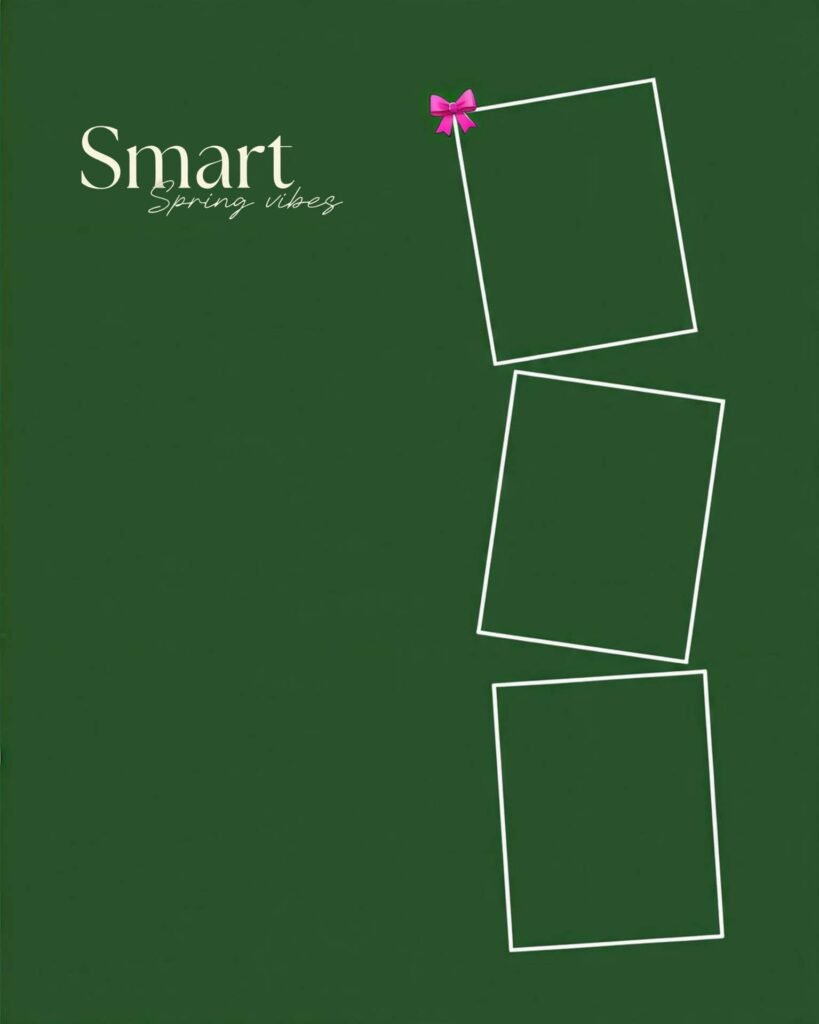
Download background 👇
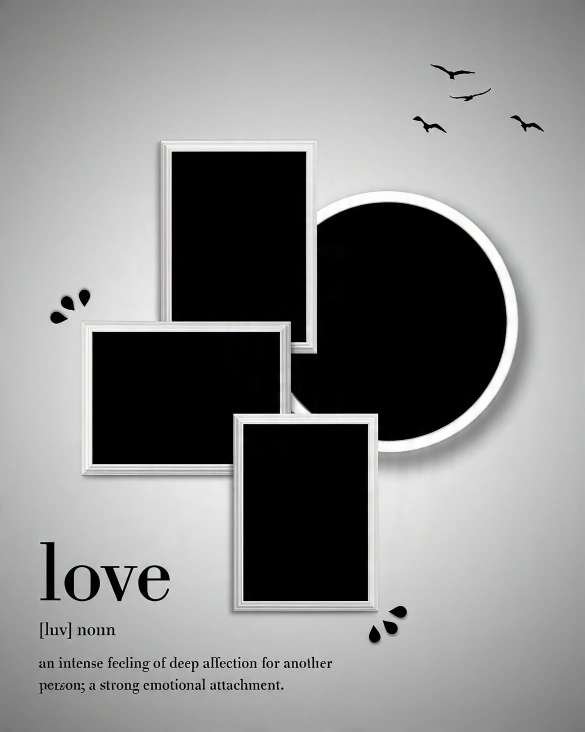
Conclusion
ChatGPT has completely changed the way creators approach photo editing. Instead of relying only on editing skills, anyone can generate detailed AI prompts that produce beautiful, premium-quality designs in minutes. If you want your Instagram posts, profile pictures, or creative artwork to stand out, learning how to write effective ChatGPT photo editing prompts is one of the smartest skills you can develop. With creativity and the right prompt, even ordinary photos can be transformed into stunning visual masterpieces that capture attention and leave a lasting impression.