
Aesthetic photo editing is one of the biggest trends on Instagram, helping creators, influencers, and editors attract more followers with eye-catching visuals. Thanks to ChatGPT, creating professional editing ideas, thumbnail concepts, and creative prompts has become faster than ever. Whether you’re designing YouTube thumbnails or stylish Instagram posts, ChatGPT can help you generate unique concepts that stand out.In this tutorial, we’ll explore how to create an aesthetic photo editing thumbnail using ChatGPT-inspired ideas and simple editing techniques that anyone can follow.
Why Aesthetic Photo Editing is Trending
People scroll through hundreds of posts every day, so your content needs to grab attention instantly. Aesthetic editing focuses on clean cutouts, glowing effects, premium typography, dark backgrounds, and creative design elements that make photos look professional.Popular elements include:
- White glowing outlines around subjects
- Dark cinematic backgrounds
- Neon lighting effects
- Butterfly and ribbon overlays
- Creative icons and graphics
- High-contrast color grading
- Soft glow behind the subject
These effects make photos look modern and increase the chances of getting more engagement on Instagram.
How ChatGPT Helps Create Better Editing Concepts
ChatGPT is more than just an AI chatbot—it can act like your creative assistant. Instead of spending hours thinking about design ideas, you can simply ask ChatGPT for thumbnail concepts, editing prompts, color combinations, text ideas, or background suggestions.
- Create a dark aesthetic thumbnail.
- Suggest premium text styles.
- Generate Instagram editing ideas.
- Design a YouTube thumbnail concept.
- Recommend matching color palettes.
This saves time while giving you professional-quality ideas that can be used in Photoshop, PicsArt, Lightroom, or any editing app.
Key Features of This photo Style
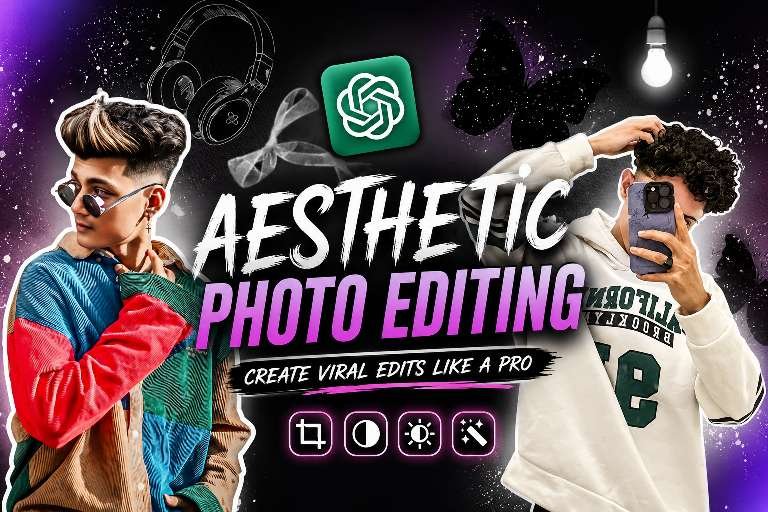
The thumbnail design shown here follows a premium aesthetic editing style that is currently trending on Instagram.Its main features include:
- Two stylish portrait cutouts with white outlines.
- A bold “Aesthetic Photo Editing” title placed in the center.
- ChatGPT logo for an AI-inspired editing theme.
- Dark background with glowing lighting effects.
- Butterfly graphics and creative decorative elements.
- High-quality typography with vibrant purple accents.
- Balanced composition that instantly grabs attention.
This combination creates a professional thumbnail that is perfect for YouTube tutorials, Instagram reels, blog posts, and social media promotions.
Tips to Make Your Editing More ideas
If you want your edits to perform well on Instagram, keep these simple tips in mind:
- Use high-resolution images for better quality.
- Keep the background clean and uncluttered.
- Add glowing outlines to highlight the subject.
- Use bold fonts that are easy to read.
- Maintain a consistent color theme throughout the design.
- Avoid overcrowding the thumbnail with too many elements.
- Add subtle lighting effects instead of excessive filters.
- Use AI tools like ChatGPT for fresh creative ideas and unique editing concepts.
Consistency in style helps build a recognizable brand and keeps your audience engaged.
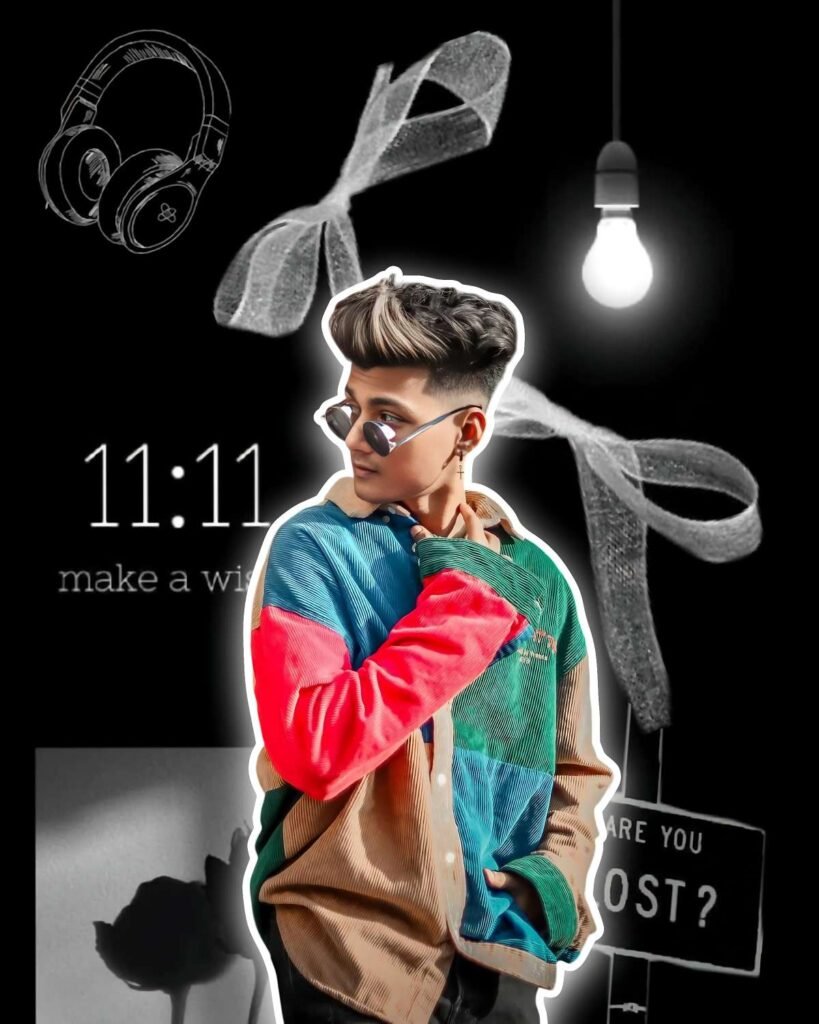
Download this photo 👇
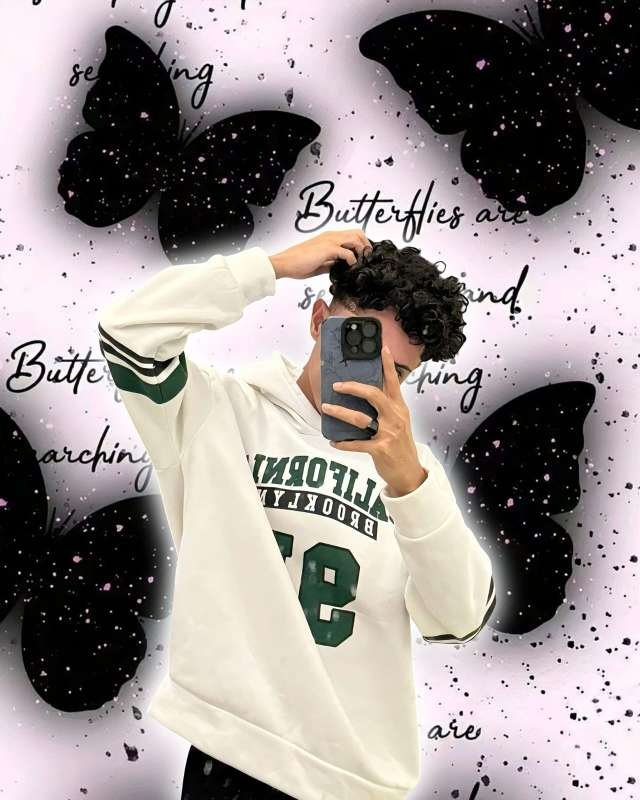
download this photo 👇
Final Thoughts
Aesthetic photo editing continues to dominate Instagram because it combines creativity, clean design, and eye-catching visuals. With the help of ChatGPT, generating professional editing ideas has become easier than ever. Whether you’re a beginner or an experienced editor, AI can speed up your workflow and inspire fresh concepts for thumbnails, reels, and social media posts.If you’re looking to create viral editing content, combine ChatGPT-generated ideas with your favorite editing software and focus on quality, lighting, and composition. With practice and creativity, you can produce stunning aesthetic edits that capture attention and help your content stand out in today’s competitive social media landscape.