
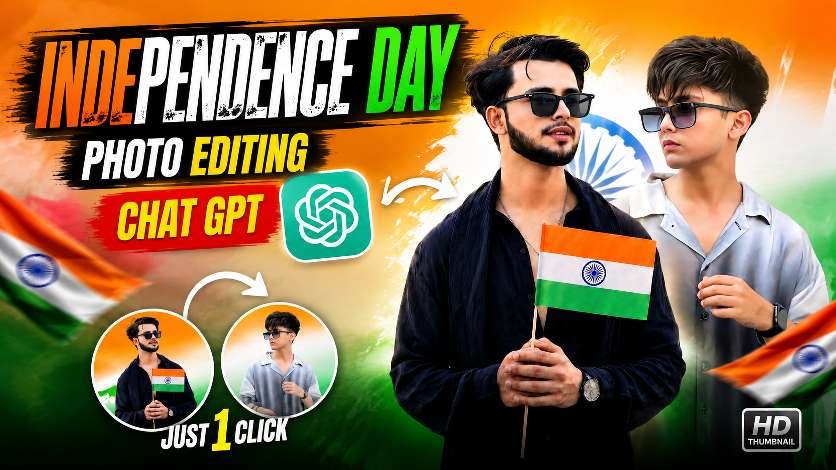
Independence Day is one of the most special occasions for every Indian, and people love celebrating the day by sharing patriotic photos and creative edits on Instagram, Facebook, WhatsApp, and other social media platforms. If you are looking for an easy way to create an attractive Independence Day photo edit, AI photo editing with ChatGPT can help you transform your normal photo into a stylish patriotic design.In this post, we are sharing an amazing Independence Day Photo Editing ChatGPT Prompt that you can use to create a professional-looking image with the Indian tricolour, flag effects, cinematic lighting, and a modern social-media style.
Create a Trending Independence Day Photo Edit
The thumbnail above shows a creative Independence Day editing concept featuring the Indian flag colours, stylish portraits, and a patriotic background. The combination of saffron, white, and green gives the image a strong Independence Day feeling while keeping the overall design modern and attractive.You can use your own portrait and ask ChatGPT or an AI image editor to create a similar patriotic composition. The AI can help generate a background with beautiful tricolour lighting, Indian flags, Ashoka Chakra elements, and cinematic effects.For the best result, upload a clear and high-quality portrait. A front-facing or slightly angled photo generally works well because AI can understand the facial features and body position more easily.
How to Make the Photo More Attractive
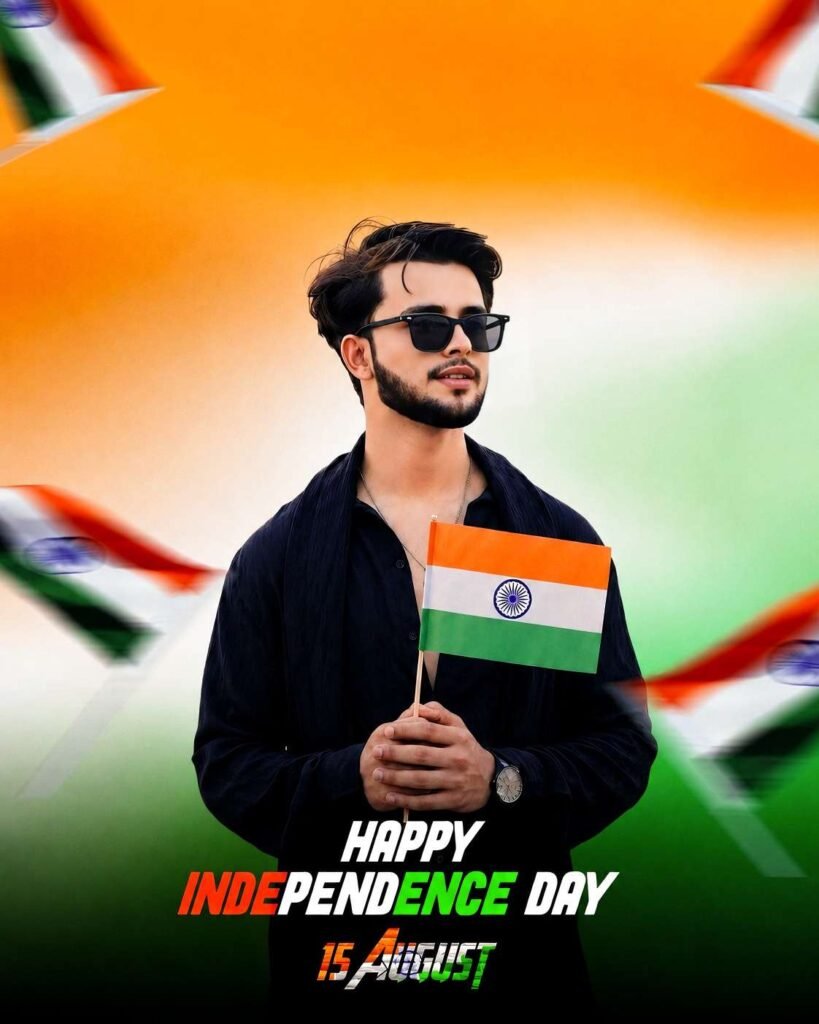
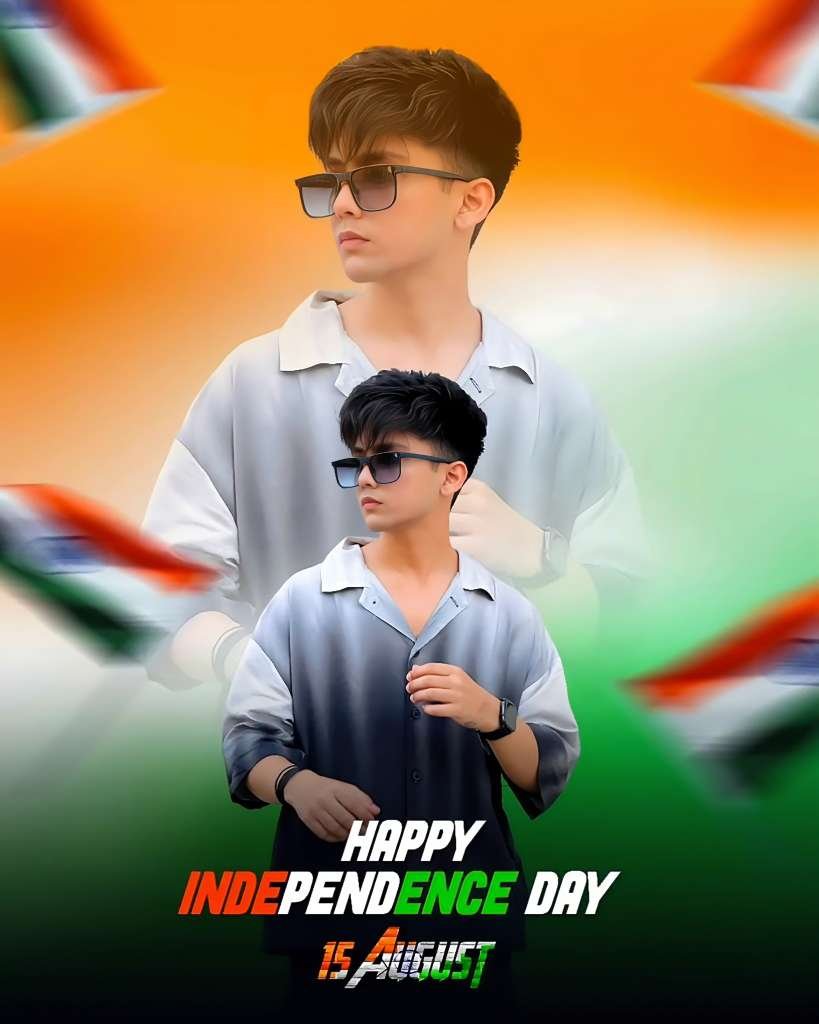
A good Independence Day edit is not only about adding the Indian flag. The background, lighting, composition, and text placement also play an important role. Tricolour lighting can make the portrait look more connected to the theme, while slightly blurred flags in the background can create a professional depth effect.You can also add a bold Independence Day title such as “Happy Independence Day” and include “15 August” below it. For social media posts, a vertical 4:5 composition is a great choice because it fits Instagram posts nicely.If you are creating a thumbnail for YouTube, a 16:9 design works better. Large, bold text such as “Independence Day Photo Editing” and “ChatGPT” can immediately tell viewers what the content is about.
Perfect for Instagram, Facebook and WhatsApp
These AI-generated Independence Day photos can be used for different social media platforms. You can share your edited portrait as an Instagram post, WhatsApp status, Facebook post, or even use it as a profile picture during Independence Day celebrations.Creators can also use these designs for reels and short videos. Add a patriotic song, apply a smooth zoom effect, and transition from the original photo to the AI-edited image to create an engaging Independence Day reel.The most important thing is to keep the edit clean and realistic. Avoid adding too many effects because excessive elements can make the portrait look artificial. A balanced combination of the Indian tricolour, flags, cinematic lighting, and a sharp portrait usually creates a much better result.
Download preset ⬇️
Download preset ⬇️
Conclusion
Creating a stylish Independence Day Photo Editing with ChatGPT is now easier with AI-powered image editing. You do not need advanced Photoshop skills to create an attractive patriotic portrait. Simply choose a clear photo, use a detailed ChatGPT prompt, and customize the design according to your preferred style.With the right prompt, you can create a professional-looking Independence Day photo featuring the Indian flag, tricolour background, cinematic effects, and modern typography. Whether you want to post it on Instagram, Facebook, WhatsApp, or use it for a YouTube thumbnail, this editing idea can give your photo a fresh and patriotic look.