
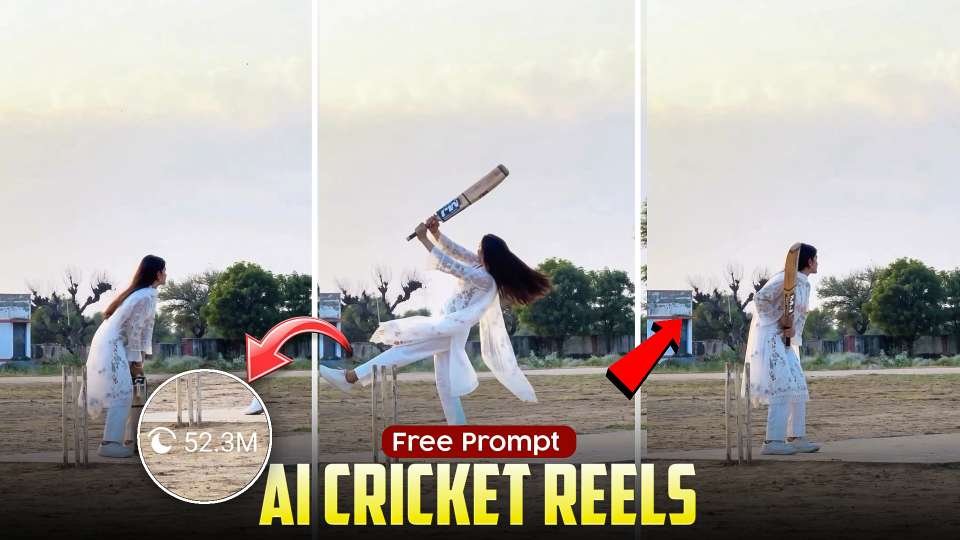
Instagram Reels are becoming more creative with the help of artificial intelligence. One of the latest editing ideas is AI-powered cricket reel editing, where you can transform an ordinary cricket photo into a cinematic video using Google Gemini and AI video generation tools. With the right photo, prompt, and reference video, you can create an eye-catching reel without advanced video editing skills.In this guide, you will learn how to create a trending AI cricket reel with a realistic action pose, cinematic lighting, and smooth movements.
What Is Gemini AI Reel Editing?
Gemini AI reel editing is a creative way to generate or enhance images using Google’s Gemini AI and then turn those images into videos with a compatible AI video generator. This editing style is useful for creating unique cricket-themed Instagram Reels, cinematic sports clips, and social media content.You can start with a regular cricket photo and use an AI prompt to create a more dramatic visual scene. Depending on the tool you use, you may also be able to animate the image and add realistic camera movements.
How to Create a Trending AI Cricket Photo
First, select a clear photo of yourself or your preferred subject. Open Google Gemini and upload the image you want to use as a reference. Enter a detailed prompt describing the cricket action, outfit, background, lighting, and camera angle.For a cinematic look, describe a natural batting pose, flowing clothes, realistic cricket equipment, a sunset background, and professional sports photography. If you want the final video to match a reference reel, pay special attention to the subject’s position and the camera angle.Once the image is generated, check the face, hands, cricket bat, and overall body position before moving to the video creation step.
Turn Your Photo into an AI Video
After creating your image, open an AI video generation tool that supports image-to-video creation. Upload the generated photo as the starting image. If the tool supports reference videos, upload your sample video as well.Write a video prompt describing the movement you want. For example, you can request a smooth cricket batting action, natural body movement, realistic hair and clothing motion, and a cinematic camera following the subject from behind.Keep in mind that a reference video does not guarantee an identical result. The available controls and the quality of the generated movement depend on the AI video tool you use.
Use the Right Prompt for Realistic Results
A detailed prompt can help the AI understand your desired result. Mention the camera position, action, lighting, background, and movement speed instead of using only a few general words.For example, you can request a realistic female cricket player wearing a red traditional outfit, swinging a cricket bat on an outdoor cricket ground at golden hour. Specify a rear three-quarter camera angle, natural body mechanics, flowing fabric, realistic shadows, and a smooth cinematic tracking shot.If you are trying to recreate a reference video, describe its camera movement and action sequence clearly. Avoid adding unnecessary effects that could make the final video look artificial.
Tips for Creating Viral Instagram Reels
For better results, use a clear reference photo and choose a video format suitable for Instagram Reels, preferably vertical 9:16 when supported. Keep the main subject visible throughout the action and use a short, engaging clip that viewers can watch easily.After generating the video, you can use a video editor to trim unwanted frames, adjust the brightness, add suitable music, and synchronize the action with the beat. Always preview the final video to check for unnatural movements, distorted objects, or changes in the subject’s appearance.AI-generated content can attract attention, but views and virality are never guaranteed. Creative ideas, good timing, and engaging presentation can help improve your content.
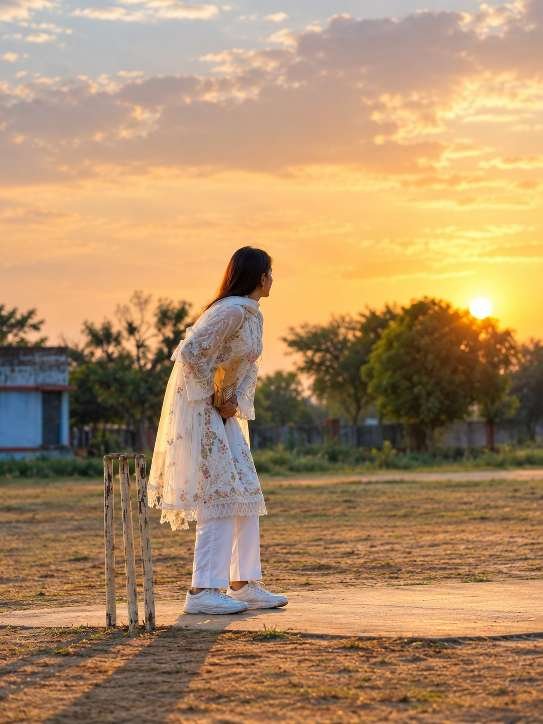
Video prompt ⬇️
Final Thoughts
AI Cricket Reels offer a creative way to explore AI video generation and produce eye-catching cricket-themed content. By combining a detailed prompt, a suitable AI tool, and simple editing techniques, you can create your own cricket videos for Instagram Reels and YouTube Shorts.Try the free prompt above, experiment with different cricket shots, and develop a style that makes your content stand out.