
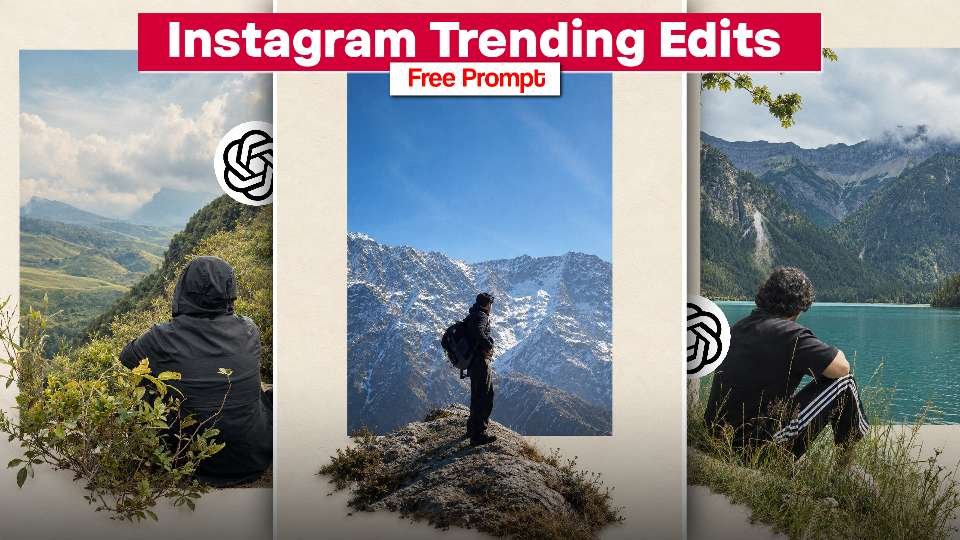
Instagram is full of creative AI photo editing trends, and mountain travel photos are becoming a popular style for creating eye-catching social media content. With the help of AI tools like ChatGPT and an image generation tool, you can transform your ordinary photos into cinematic mountain portraits with beautiful landscapes, snowy peaks, and crystal-clear lakes.In this guide, you will discover how to create Instagram trending AI photo edits using free prompts. Whether you want a realistic travel portrait or an adventurous mountain look, these prompts can help you create stunning images for Instagram Reels, posts, and profile pictures.
What Is the Instagram Trending AI Photo Editing Trend?
The Instagram trending AI photo editing trend allows users to turn simple pictures into professional-looking travel photographs. The style featured in this trend includes breathtaking mountains, green valleys, snowy landscapes, blue lakes, and natural lighting.Instead of travelling to an expensive destination, you can use AI editing tools to create creative versions of your photos. The key is to use a detailed prompt that describes the background, lighting, clothing, camera angle, and overall photographic style.
Best AI Tools for Creating Trending Photos
You can experiment with AI tools such as ChatGPT and compatible image-generation or photo-editing tools to create your desired look. Depending on the tool, you may be able to upload your original image, enter a prompt, and generate an edited result.For the best outcome, choose a clear photo where your face and body are visible. A well-lit original image can help the AI tool produce a more realistic result. Always check whether your selected tool supports image uploads and photo editing.
How to Create Instagram Trending viral Photos Editing Just 1 Click
Start by selecting a clear photo from your phone gallery. Open an AI tool that supports image editing and upload your picture. Copy the mountain photo editing prompt provided above and paste it into the prompt box.Generate the edited image and review the result carefully. If the background looks unnatural or your facial features change, adjust the prompt to emphasise realistic details and preservation of your original appearance. You can also try different lighting conditions and mountain locations to create several unique styles.Once you are satisfied with the result, save the image and prepare it for your Instagram post or Reel cover.
Tips for Making Your Photo Edit Look Realistic
The secret to a beautiful AI photo edit is balancing creativity with realism. Use a high-quality original image, describe the background clearly, and avoid adding too many effects to the prompt.Natural sunlight, realistic shadows, accurate body proportions, and detailed landscapes can make a significant difference. Ask the AI tool to preserve your facial identity if you want the edited image to resemble your original photograph.For Instagram, vertical images work well for portrait posts and Reel covers. You can experiment with different compositions to find the style that best matches your social media profile.
Conclusion
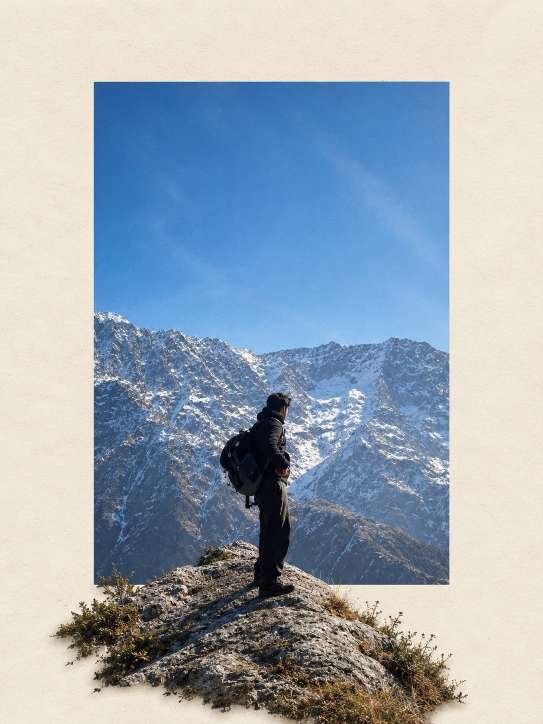
Instagram trending AI photo editing is a creative way to turn ordinary pictures into impressive mountain travel portraits. With the right prompt and a compatible AI editing tool, you can experiment with snowy mountains, green valleys, scenic lakes, and cinematic outdoor photography without complicated editing skills.Try the free mountain photo editing prompt in this guide, customise it to match your preferred background, and create your own unique AI travel portrait. Share your favourite result on Instagram and keep experimenting with new AI photo editing trends.