
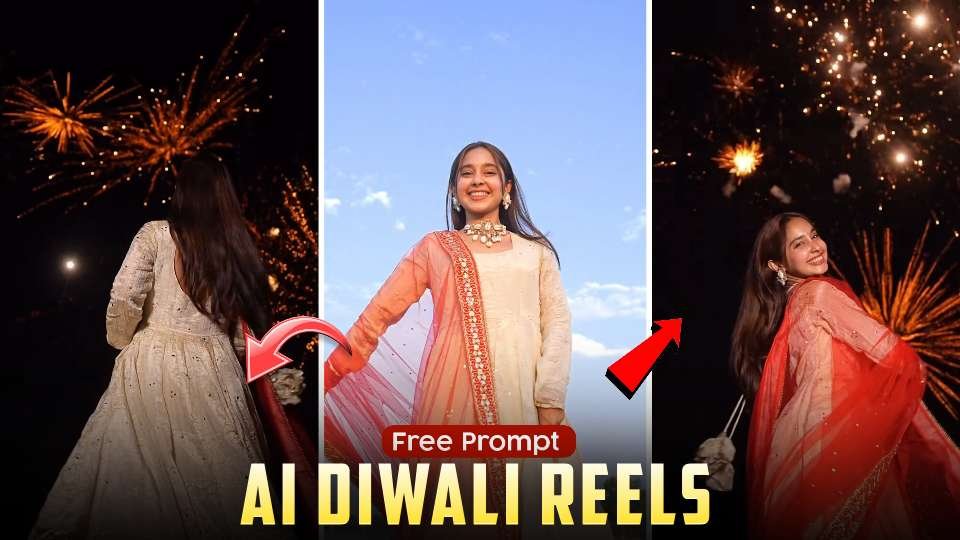
Diwali is one of the most exciting festivals for creating beautiful photos and videos. This year, AI Diwali photo editing and cinematic Instagram Reels are becoming increasingly popular on social media. Many creators are transforming their ordinary photographs into stunning festive portraits with traditional Indian outfits, glowing lights, and beautiful fireworks.If you have seen trending Instagram Reels featuring elegant ethnic looks, magical fireworks, and cinematic backgrounds, you can create a similar style using AI photo editing tools. These creative visuals are perfect for Instagram Reels, festive posts, and profile pictures.
What Is the AI Diwali Reels Trend?
The AI Diwali Reels trend is a creative photo transformation style in which ordinary photographs are converted into beautiful festive portraits. The images feature traditional Indian clothing, colorful fireworks, glowing decorations, and cinematic lighting.This trend is gaining attention on Instagram because it gives creators an opportunity to make professional-looking festive photos without visiting a photography studio.
Create Beautiful Traditional Diwali Looks
One of the most attractive parts of this trend is traditional Indian fashion. Beautiful Anarkali suits, elegant sarees, embroidered outfits, and colorful dupattas make the photos look more festive.Creators are experimenting with different clothing styles and poses to achieve a natural and elegant appearance. Combining traditional fashion with cinematic photography creates an eye-catching result.
Add Beautiful Fireworks and Festive Backgrounds
Fireworks are an important part of the Diwali celebration. Adding golden fireworks, sparkling lights, and a dark night sky creates a magical festive atmosphere.You can also experiment with different backgrounds, including outdoor celebrations, decorated homes, and open skies filled with fireworks. These backgrounds make your AI-generated photos look more realistic and visually attractive.
Best AI Tools for Diwali Photo Editing
Several AI-powered tools can help you create beautiful festive photographs. Google Gemini is a popular choice for AI image generation and photo editing. You can upload your photograph and explore different creative styles.You can also use video editing applications such as CapCut and VN to turn your edited photographs into attractive Instagram Reels with music, transitions, and cinematic effects.
How to Turn AI Diwali Photos into Instagram Reels
After creating your festive photographs, you can combine multiple images to make a beautiful Instagram Reel. Use different poses, outfits, and backgrounds to make the video more interesting.Add smooth transitions, suitable Diwali music, and simple visual effects. A before-and-after transformation can also make your content more engaging and encourage viewers to watch until the end.
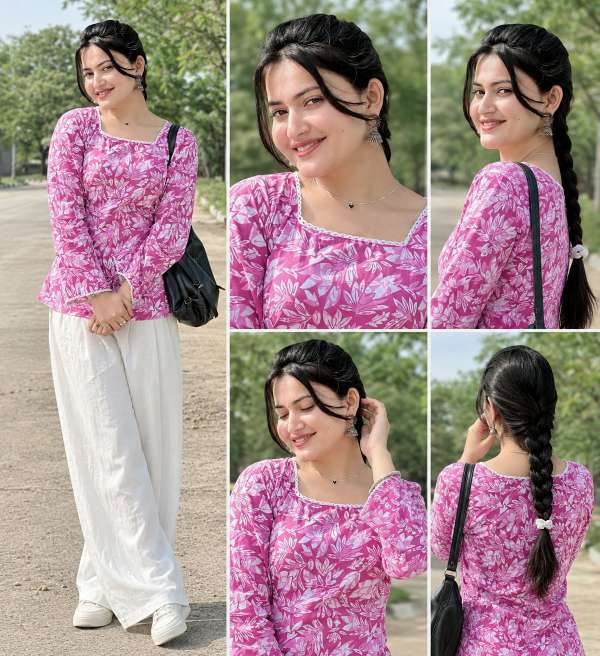
Video prompt ⬇️
Final Thoughts
AI Diwali photo editing is a fun and creative way to celebrate the festival on social media. With traditional Indian outfits, beautiful fireworks, and cinematic backgrounds, you can create stunning festive photographs and Instagram Reels.This trending editing style is a great opportunity for Instagram creators to share something unique during Diwali 2026. Try different visual styles, experiment with creative ideas, and make your festive content stand out on social media.